

thuan
Member
- Joined
- May 3, 2025
- Messages
- 70
- Reaction score
- 15
- Points
- 8
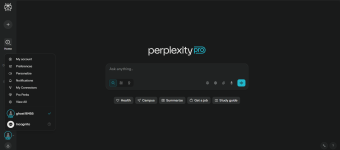
Hey everyone! I’m sharing a Perplexity account for all to use!
 Follow these steps to log in:
Login Process:
- Log into Microsoft Outlook first using the provided account.
- Log into Perplexity by entering the same email address (do NOT use Google or Apple login)
- A verification code will be sent to your Outlook inbox.
- Check your Outlook, copy the code, and paste it into Perplexity to complete the login.
 Important Rules:
Do NOT change the Outlook password or any settings. This is a shared account, and any changes will block others.
Use responsibly!
Account Details:
Outlook Email: [email protected]
Outlook Password: dontchangepassword123!
Enjoy!

Last edited:


